
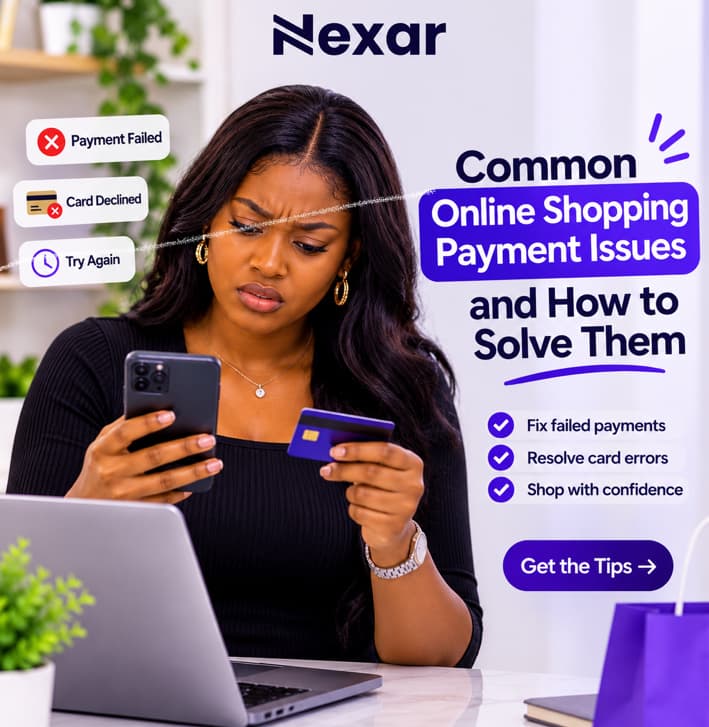
You find what you need, add it to your cart, and get ready to pay. Then the page freezes, your card is declined, or your bank sends a debit alert without an order confirmation. Frustrating, right?
These online shopping payment issues affect shoppers across Nigeria and Africa. Network interruptions, bank limits, currency restrictions, and payment gateway errors can all disrupt checkout. Before you panic or pay twice, use the checks below. Nexar also brings useful digital services together in one platform.
1. Online shopping payment issues: Start with these checks

Pause and check whether the transaction went through.
- Check your bank app, SMS alert, or USSD balance.
- Save the transaction reference and amount.
These checks help identify online payment problems. If debited, do not pay again yet.
2. Your card gets declined at checkout

Online payment problems can start with security checks, international payment restrictions, expired details, or a spending limit.
Try this:
- Recheck your card number, expiry date, CVV, and billing details.
- Confirm that online and international payments are enabled.
- Check your available balance and daily spending limit.
- Contact your bank if it continues.
- Use another trusted method if available.
Some overseas stores do not accept every Nigerian card. This can cause online payment problems, so check accepted methods before checkout.
3. Online shopping payment failed, but your account was debited

When you see an “online shopping payment failed” message, your bank may still have deducted the money. Online payment problems may leave it pending.
If online shopping payment failed, check these details before retrying. If online shopping payment failed again, contact the payment provider.
- Check your transaction history for a pending, successful, or reversed status.
- Take a screenshot of the debit alert and save the reference number.
- Contact the merchant.
- Contact your bank if the merchant cannot trace it.
- Wait for confirmation before attempting another payment.
Reversal times vary. Ask your bank for a case reference and timeline.
4. Your OTP or payment verification code does not arrive
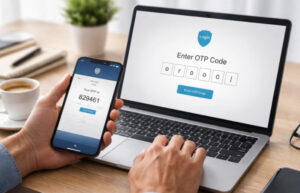
Websites use one-time passwords (OTPs) to confirm transactions. Delays may come from poor coverage, a wrong number, SMS filtering, or your bank.
Check your registered number and blocked messages. Request a fresh code when allowed. If it still does not arrive, contact your bank.
Never share an OTP, PIN, or password with anyone. Nexar offers virtual numbers for SMS verification on supported services, but they do not replace the phone number your bank has registered for financial authorisation.
5. Online payment problems caused by network or browser errors
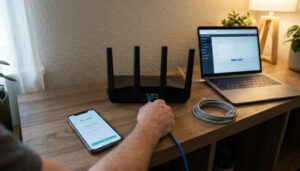
A weak connection can interrupt checkout, leaving a blank page or loading screen. Payment gateway downtime can also cause online payment problems.
Switch between Wi-Fi and mobile data, close extra tabs, or try an updated browser. Turn off a VPN temporarily if it triggers a security check. Do not refresh during processing.
If the page freezes, check your bank account before trying again to avoid duplicate charges.
6. How to fix online payment issues when a website rejects your payment
A store may reject payment because your billing address does not match, your card’s country is unsupported, or it does not accept your currency.
To solve online shopping payment issues here, check the store’s payment and country requirements. This is a practical way to fix online payment issues. You now know how to fix online payment issues without repeating a charge. Match your billing details to your bank records and check currency and international purchase restrictions. If the store does not support your card or country, contact its support team instead of trying random payment methods.
Check exchange rates and foreign transaction fees before confirming international purchases. This can prevent avoidable online shopping payment issues.
7. How Nexar supports your digital needs

Nexar offers virtual numbers, eSIMs, gift cards, and bill payments in one place. You can also explore Nexar’s gift card guides to learn more about buying gift cards.”
You can buy gift cards, explore travel eSIMs, or use virtual numbers for supported SMS verification. Check availability and price.
Nexar cannot change your bank’s limits or guarantee acceptance by external stores. Always review details before paying.
8. Simple habits to prevent online shopping payment issues
Make checkout safer:
- Shop on websites with secure checkout pages and clear contact details.
- Use strong, unique passwords and enable available security features.
- Keep your banking app and browser updated.
- Turn on transaction alerts.
- Avoid public Wi-Fi when entering payment details.
- Check delivery costs, currency conversion, and bank fees.
- Keep receipts and order confirmations until your purchase arrives.
They help you spot unusual activity quickly.
Final thoughts
A failed checkout does not always mean your money is lost. Check your bank status and contact the right provider before paying again. These steps can resolve online shopping payment issues.
For convenient access to digital services, explore Nexar and review the available options before making a purchase. If a merchant or payment provider does not resolve a complaint, you can also find consumer guidance through the Federal Competition and Consumer Protection Commission.
Ready to get started? Visit Nexar to explore its digital services.