
How to install and activate your eSIM
Install your data eSIM with a QR code or by hand, then turn it on when you arrive.

Nexar eSIMs are data-only: they don't come with a phone number, calls or SMS. Your phone needs to support eSIM.
Find your eSIM
- Web: go to Data-only eSIM, open My eSIMs and select View & install.
- App: open your eSIM order to see its QR code and install details.
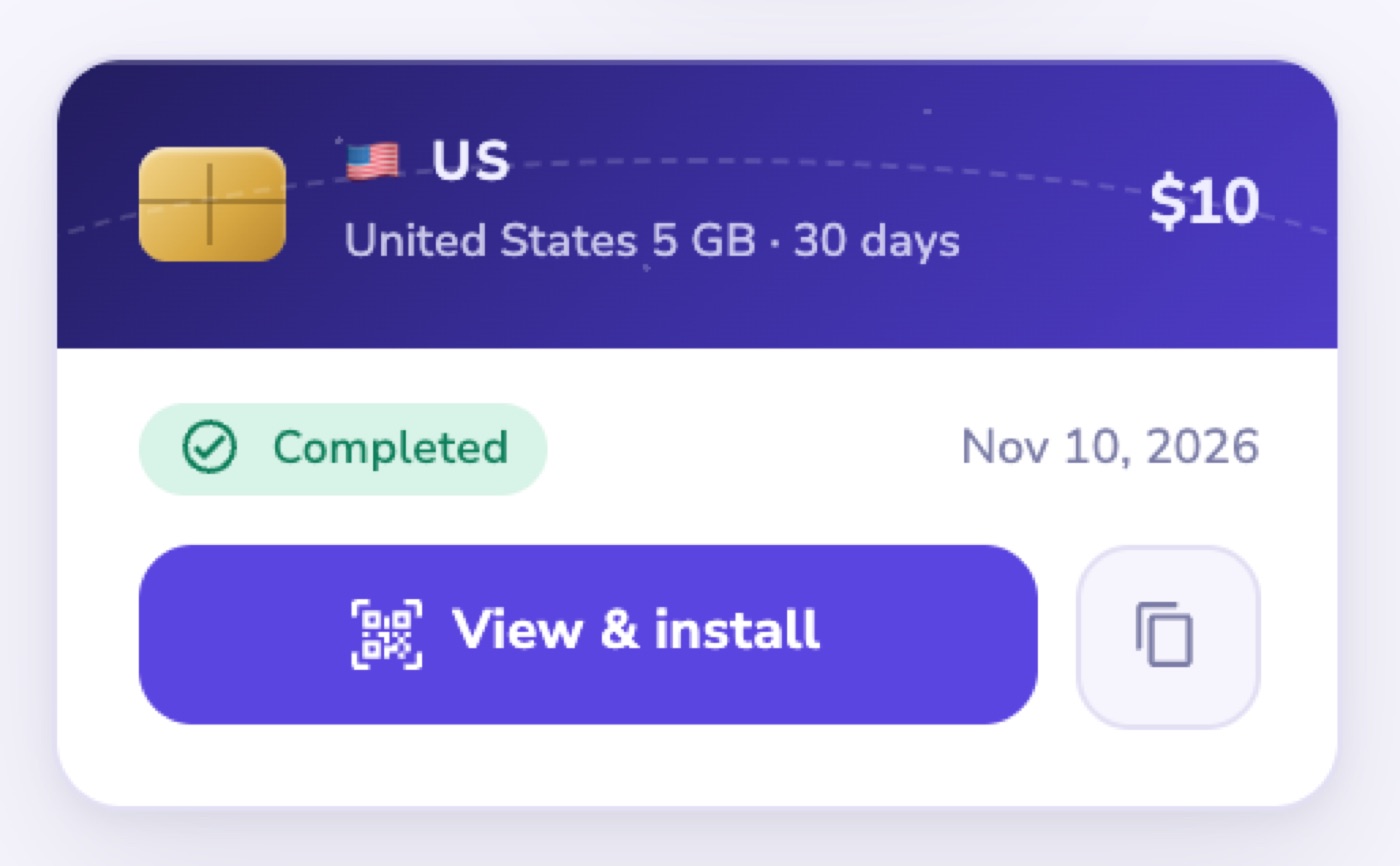
Install details usually appear in under a minute after you buy. Install the eSIM before you travel, while you're on Wi-Fi.
Install on iPhone
- Go to Settings → Cellular → Add eSIM → Use QR Code, and scan the QR code. In the Nexar app you can tap Install on Apple instead.
- No camera handy? Choose Enter manually in Nexar and type in the SM-DP+ address and activation code.
Install on Android
- Go to Settings → Network & internet → SIMs → Add eSIM (or Download a SIM), and scan the QR code.
- Or enter the SM-DP+ address and activation code manually.
Turn it on
When you arrive, turn the eSIM on and switch on Data Roaming for it. Your data starts working from there.
Before you buy
- Activate your eSIM within 180 days of buying it.
- An eSIM can't be refunded once its QR code has been generated.