
Airtime, data and bill payments
Buying airtime, data, electricity and TV, and what happens while a purchase is processing.
You can buy airtime and data, pay for electricity and renew TV subscriptions from your wallet.
Make a purchase
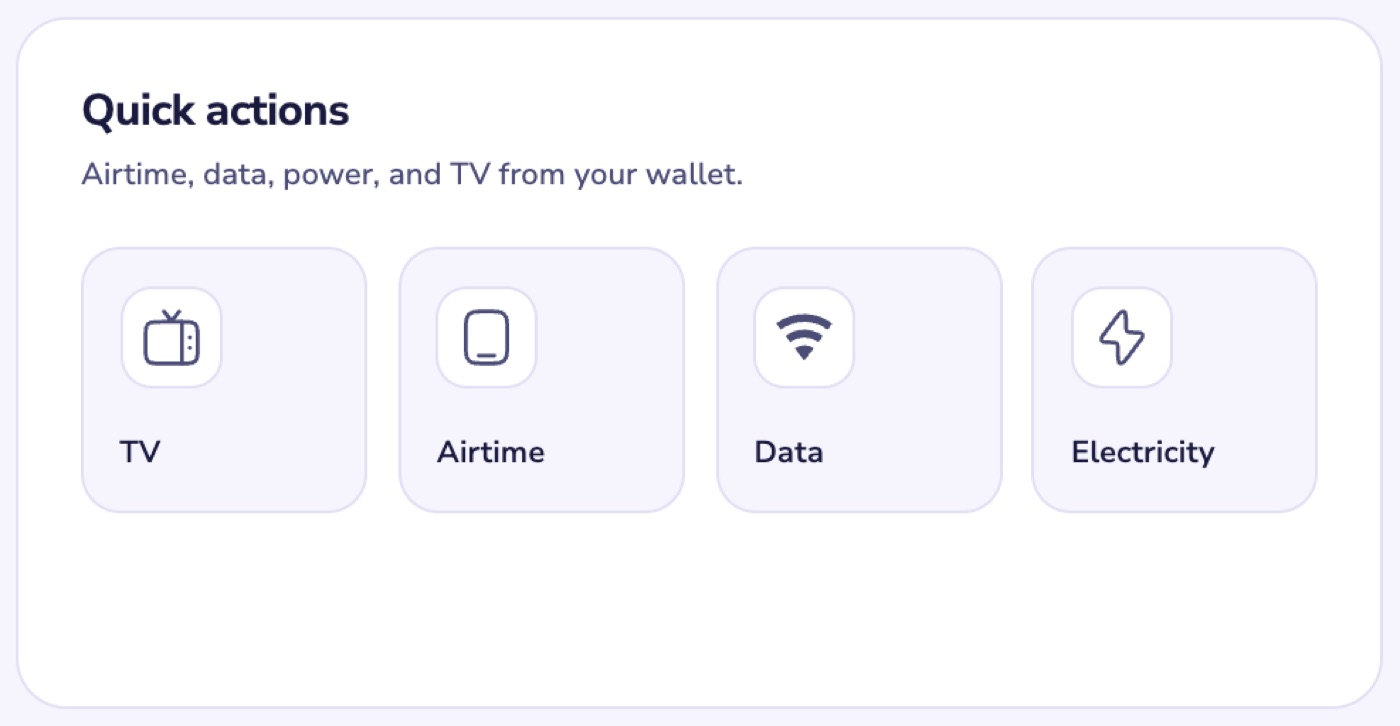
- On the web, go to Dashboard and choose TV, Airtime, Data or Electricity under Quick actions.
- Enter the details, choose the wallet to pay from and confirm.
These services are priced in naira. If you pay from your dollar wallet, the amount is converted at Nexar's current rate.
Electricity tokens
Your token is shown as the Recharge Token once the purchase goes through. In the app, it's in the transaction's details, with the units purchased.
If it says processing
- We check with the provider every two minutes and update the order as soon as they confirm it.
- If it fails, you're refunded straight away. The refund shows in your history as Refund: ….
- If it's still processing after 72 hours, message us: open Help, choose My order and My order hasn't been delivered.