
How to buy a virtual number
Get a number for a one-time verification code, or rent one for longer.
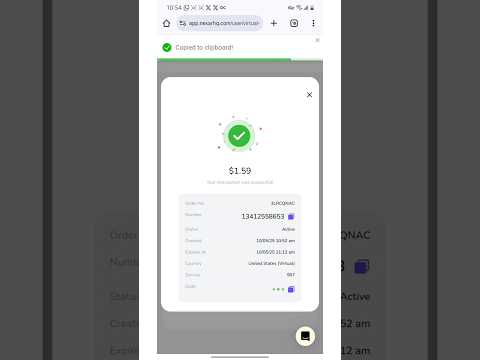
A one-time number receives a single verification code. A rental number is yours for weeks or months.
Buy a one-time number
- Go to Virtual Numbers and choose One-time.
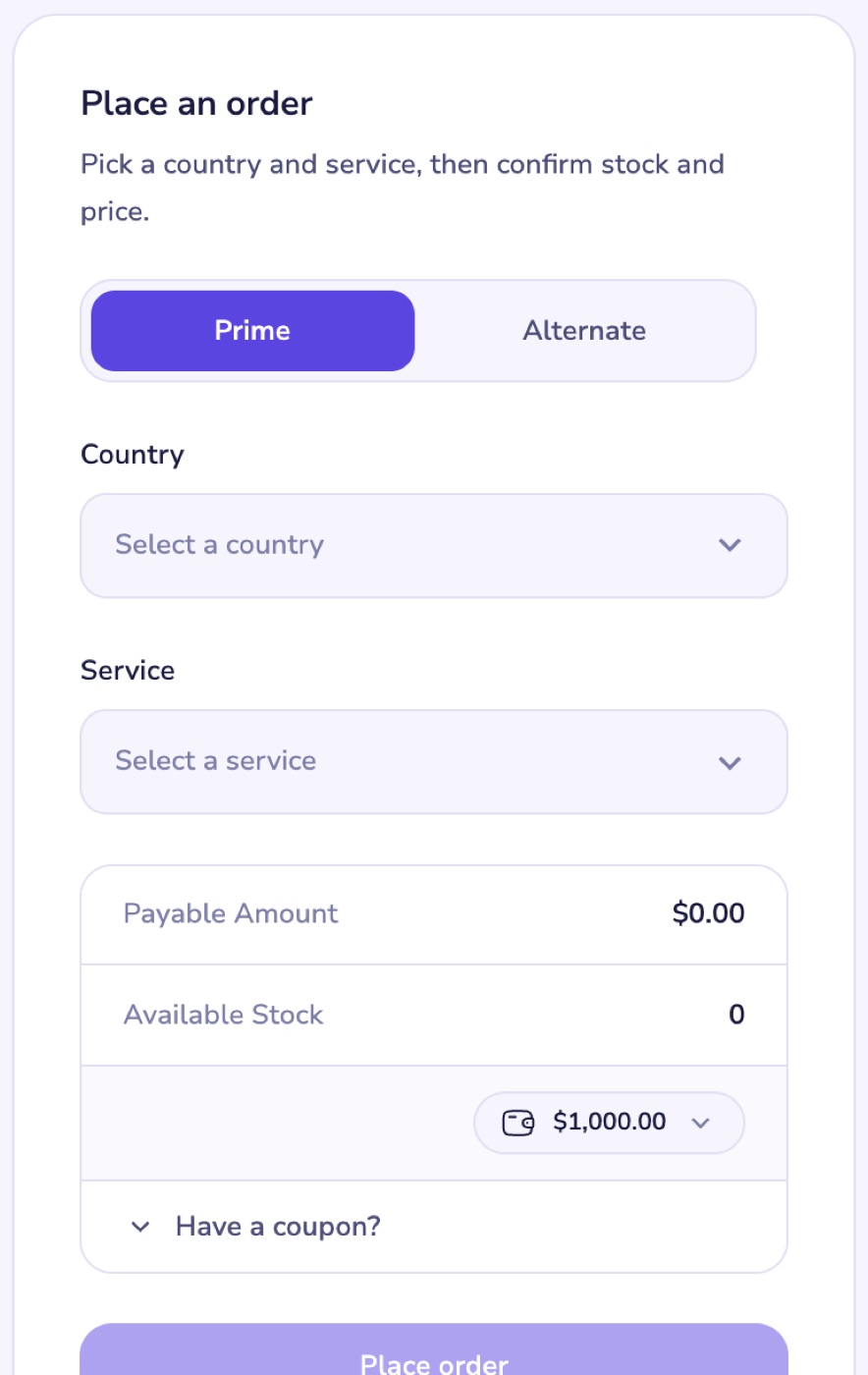
- Pick a server: Prime or Alternate.
- Choose the Country and the Service you're verifying, for example WhatsApp.
- Check the Payable Amount and Available Stock, and choose the wallet to pay from.
- Select Place order.
Get your code
- Copy the number from Order history and enter it in the app or website you're signing up to.
- Ask that app to send the code. It appears in the order's Code column as soon as it arrives.
The number stays active for up to 5 minutes. If no code arrives, you're refunded automatically. See My SMS code hasn't arrived.
Rent a number
Choose Rentals to keep a number for longer. Rentals are bought by the month (30 days each) and keep receiving SMS until they expire.
You need a verified email address to buy one-time numbers. See How to verify your email address.