
My SMS code hasn't arrived
What to do while you wait, when to refund, and how Resend works.

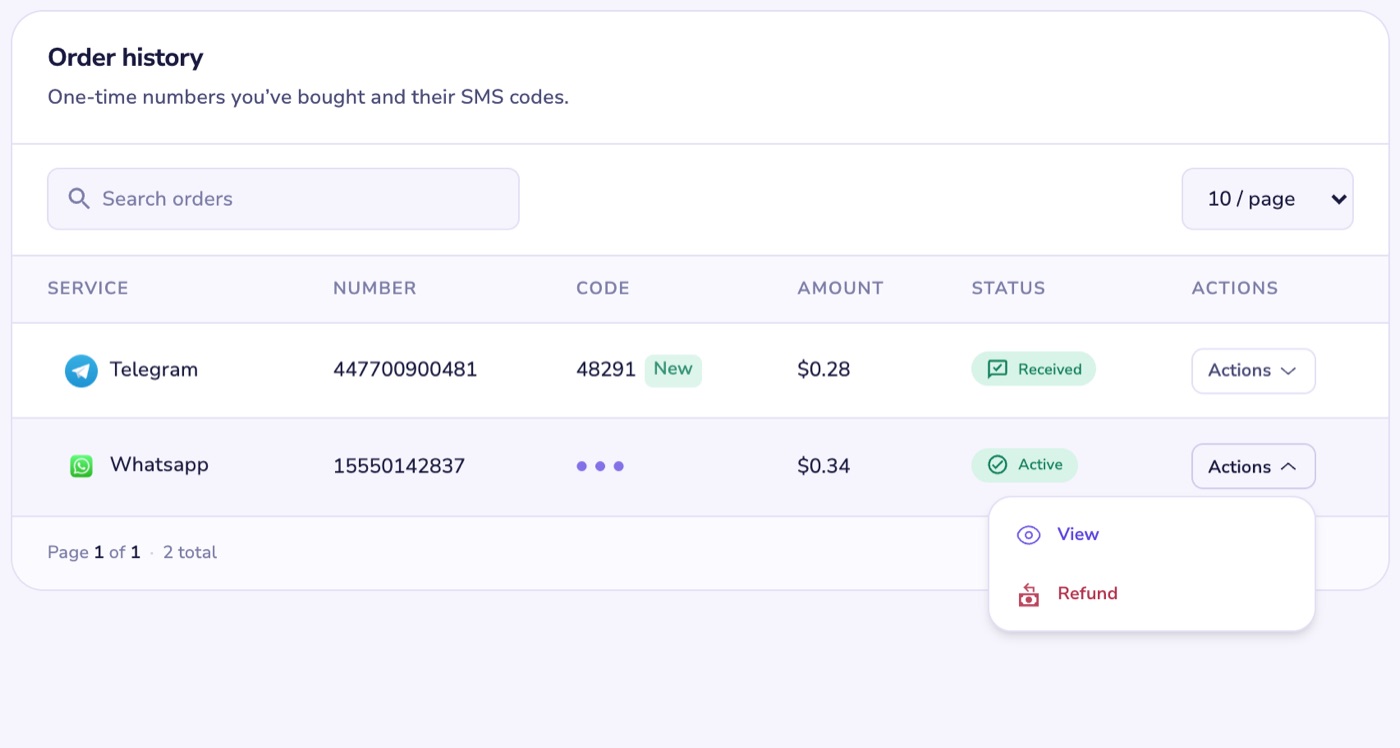
Keep your order open while you wait: the code shows in Order history the moment it arrives.
If no code arrives
- Your number stays active for up to 5 minutes. If no code arrives in that time, the order is refunded to your wallet automatically.
- Don't want to wait? After 2 minutes you can refund it yourself. On the web, open Actions and select Refund. In the app, tap Refund on the order.
- Then try again with the other server (Prime or Alternate) or a different country.
Using Resend
Resend asks the same number for another code. Use it when you need a fresh code, for example if the first one expired before you could enter it.
- You can use it up to 3 times, 5 minutes apart.
- It isn't available on Alternate orders.
- Once you use Resend, the order can't be refunded. If no code arrived at all, wait for the automatic refund instead.
Rental numbers
- With Auto cancel on, a rental that gets no SMS within 18 minutes is cancelled and refunded to your dollar wallet.
- You can also cancel it yourself from Rental history. If Auto cancel is off, you can only cancel in the first 15 minutes.
Still stuck? Open Help, choose My order, pick the order, then I didn't receive my SMS code.