
How to fund your Nexar wallet
Add money by card, bank transfer or crypto, and see which wallet each one fills.

Your Nexar account has two wallets: naira (NGN) and dollars (USD). The way you pay decides which one the money goes into.
Open Fund wallet
- On the web, go to Dashboard and select Fund account. In the app, tap Fund wallet on the home screen.
- Choose a method, enter the amount and follow the steps.
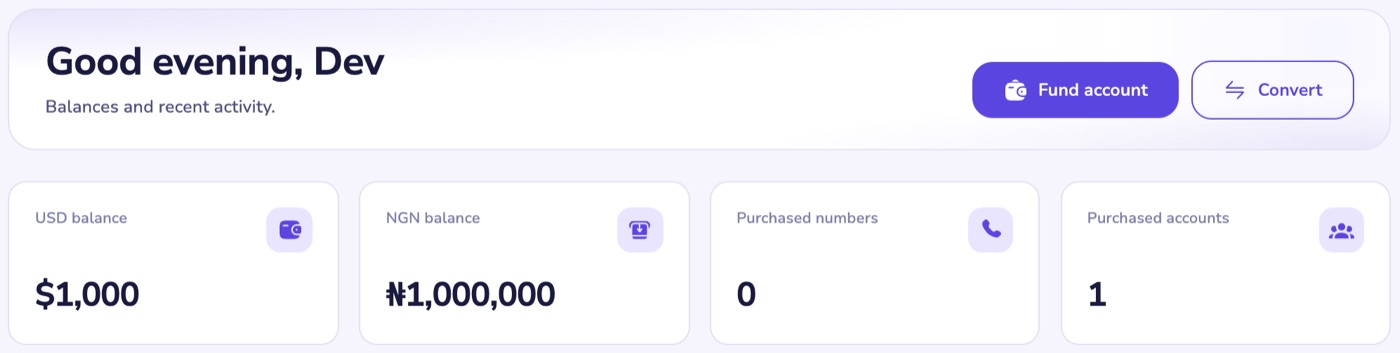
You'll only see the methods that are open right now. If funding is paused, the screen tells you.
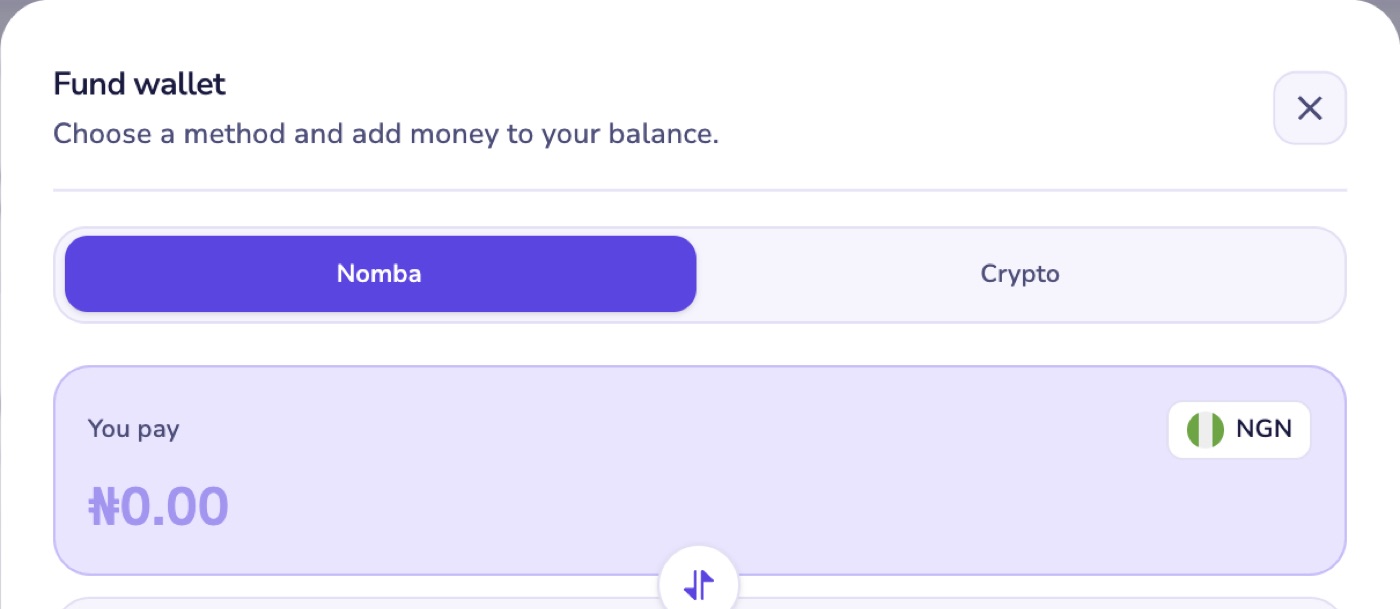
Card or bank transfer (Nomba)
- You pay in naira, from ₦100.
- The money goes into your naira wallet as soon as Nomba confirms the payment.
- A bank transfer can take a few minutes to confirm. We keep checking for up to 48 hours and credit you the moment it's confirmed.
Your own Nexar bank account number
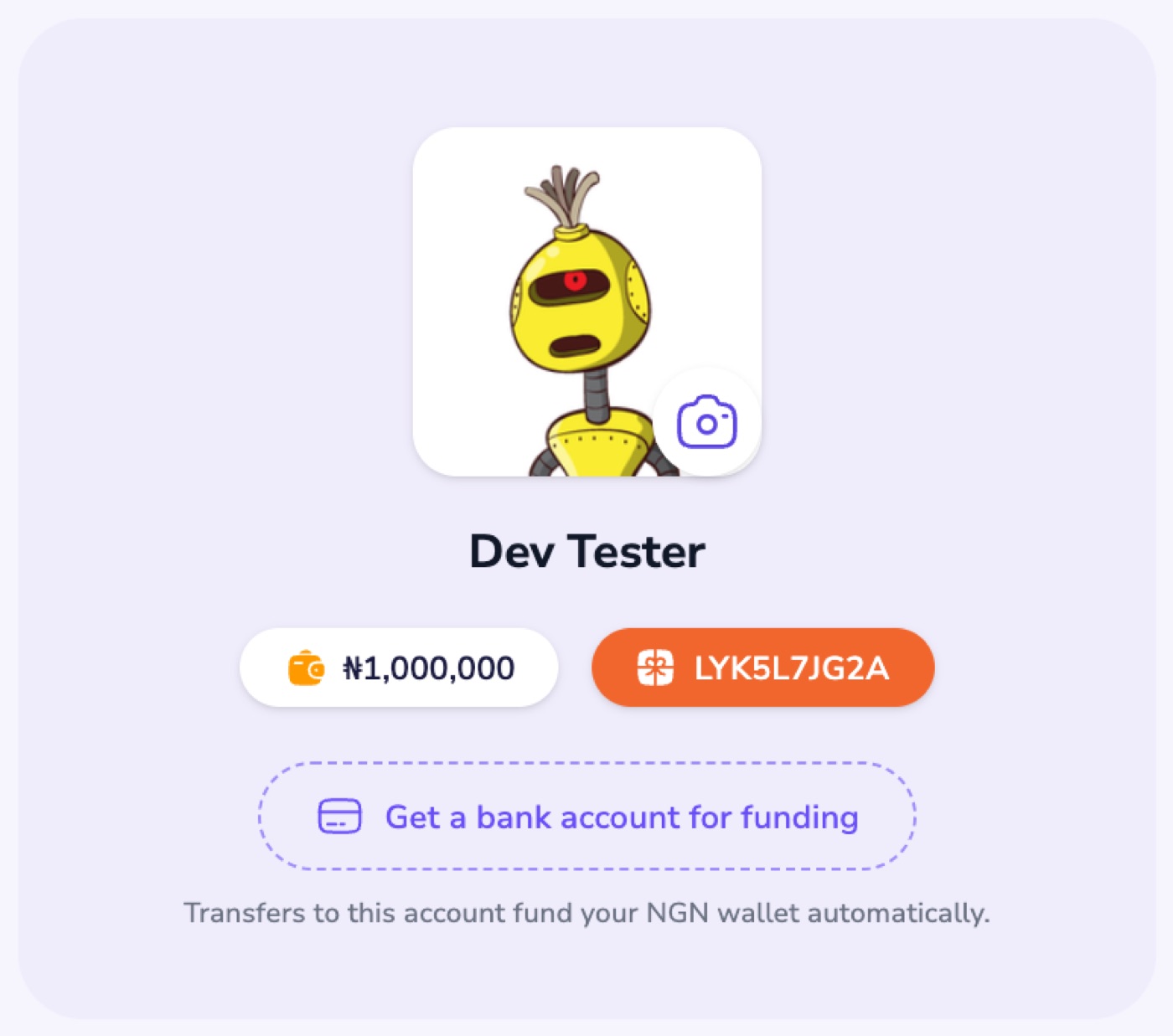
Get an account number once, and every transfer you make to it goes into your naira wallet automatically, for the full amount you send.
- On the web, open Profile and select Get a bank account for funding. In the app, it's in Settings.
- Send money to that account from any Nigerian bank app.
Crypto (USDT)
- In Fund wallet, choose Crypto and copy your USDT address.
- Send USDT on the TRON (TRC20) network to that address. Other coins or networks won't be credited automatically.
Crypto goes into your dollar wallet once the payment is confirmed on the network.
Waiting on a deposit? See My deposit hasn't shown up.