
Changing your email or phone number
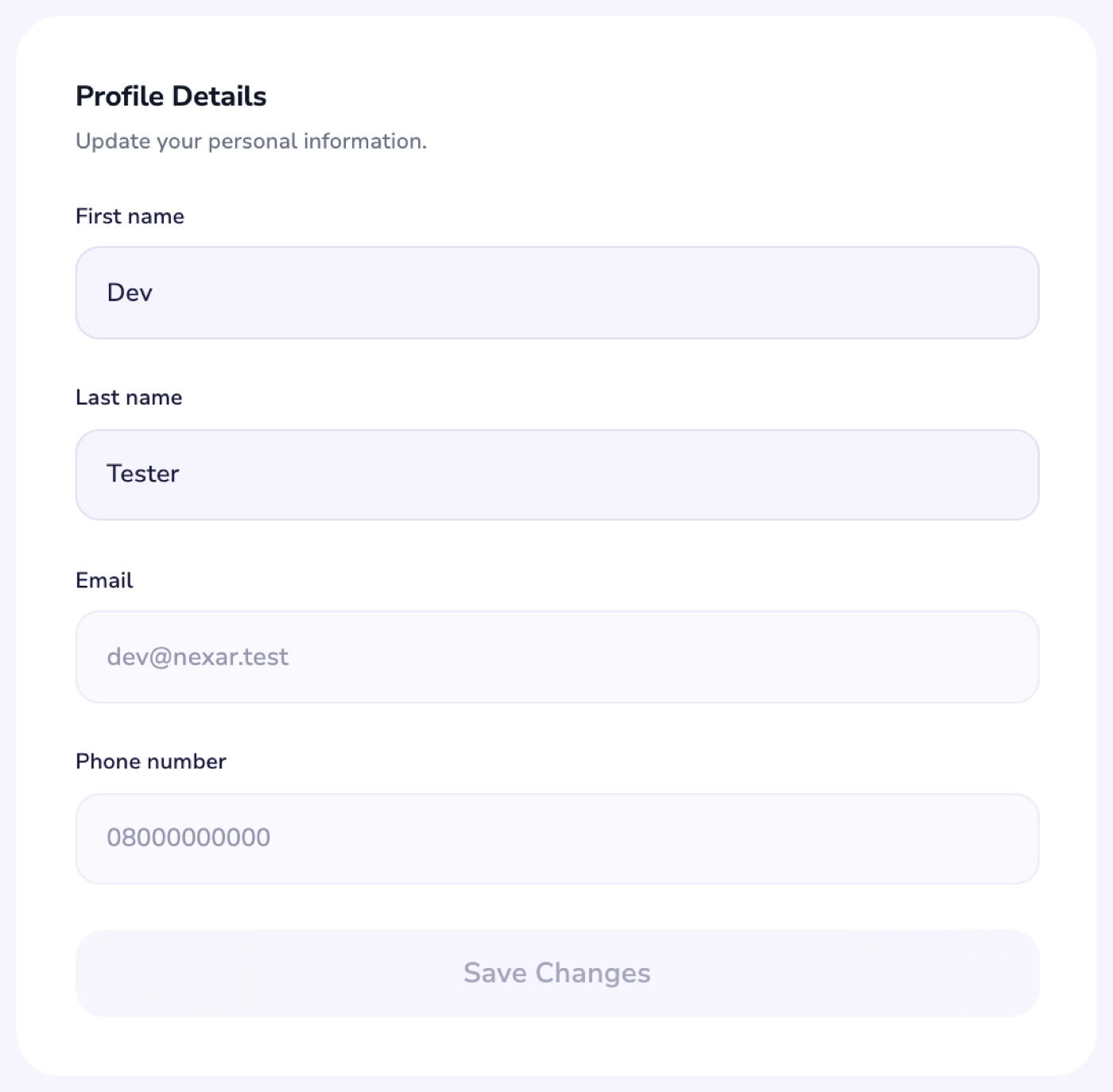
Your email and phone number are locked on your profile. Here is how to ask for a change.
Your email address and phone number are locked on your profile, so they can't be changed by mistake or by someone else. You can still update your first and last name.
Ask for a change
- Open Help and choose My account.
- Select I want to change my email or phone number, then Message support.
- Tell us the new email address or phone number.
Can't sign in? Email support@nexarhq.com from the email address on your account.