
How to reset your password
Get back into your account with a code we email you.
You sign in to Nexar with your email address and password. If you've forgotten your password, you can set a new one with a code we email you.
Steps
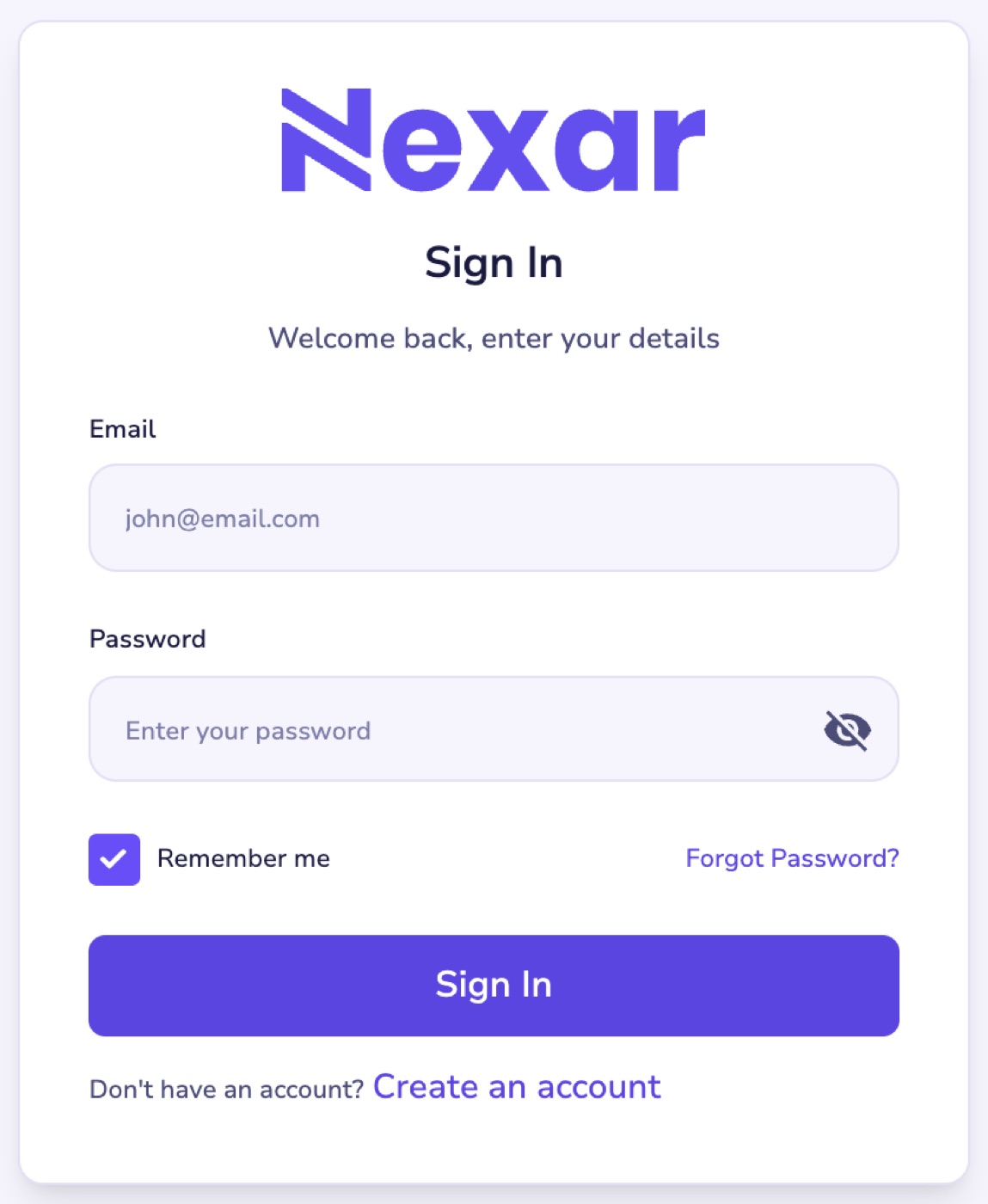
- On the sign-in page, select Forgot Password?.
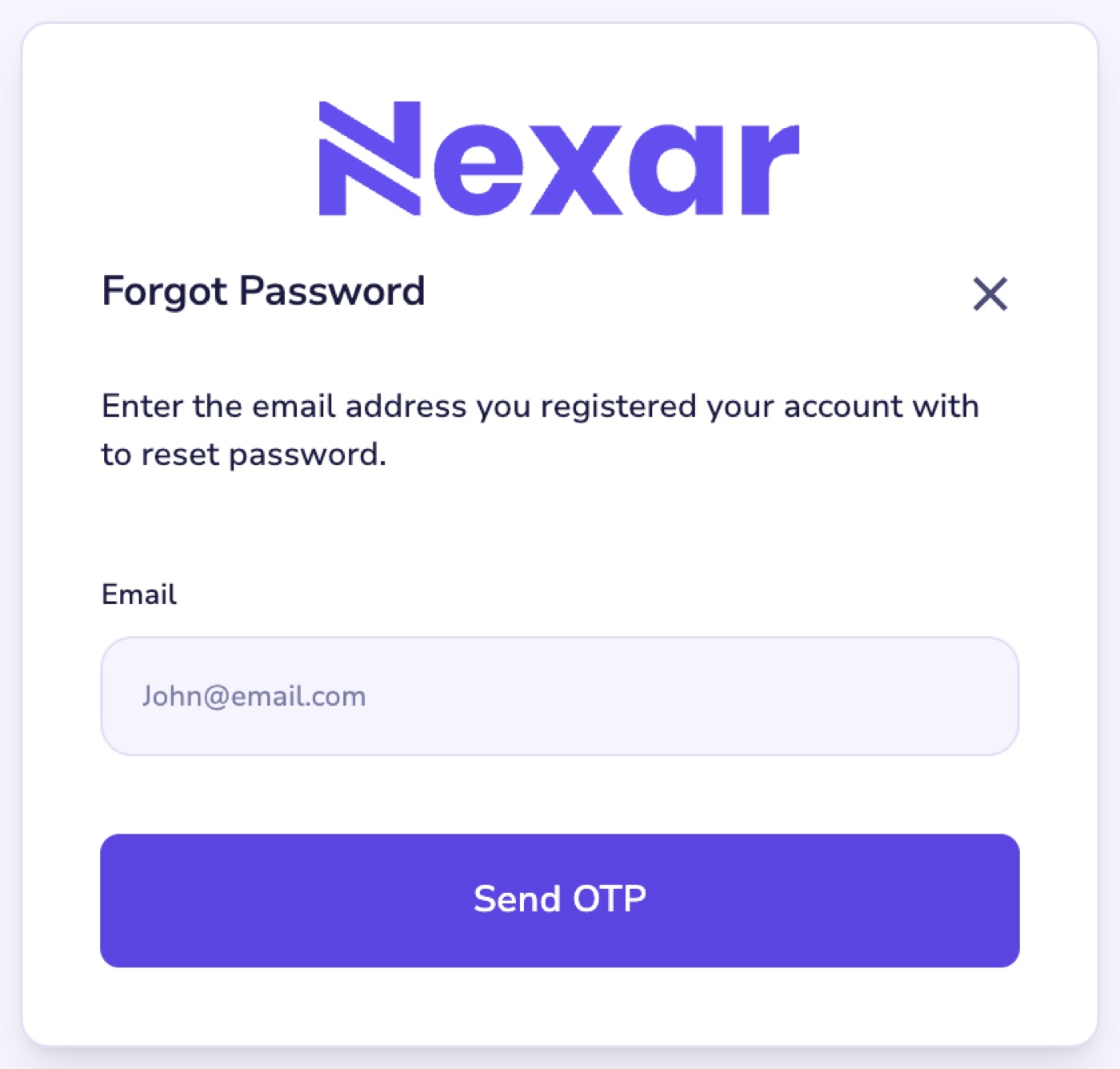
- Enter the email address you registered with and select Send OTP.
- Enter the 6-digit code from your email. It's valid for 10 minutes.
- Choose a new password of at least 8 characters.
Code didn't arrive?
- Check your spam or promotions folder.
- Make sure you used the email address you signed up with.
- If the code has expired, start again to get a new one.
Can't get into that email account? Email support@nexarhq.com or message us on Telegram.